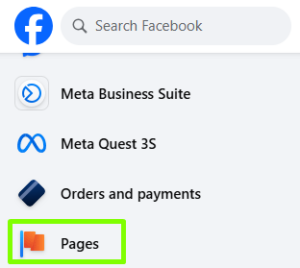
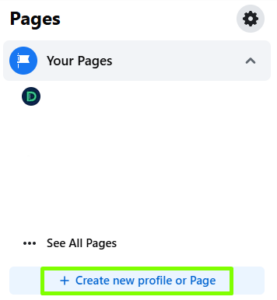
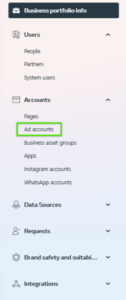
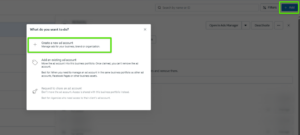
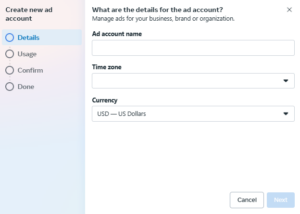
A Business Manager account allows you to manage all your business assets, such as Facebook pages, ad accounts, and pixels, in one place.
- Go to the Meta Business Suite website,
- Click the “Create new account” button on the right side of the page:
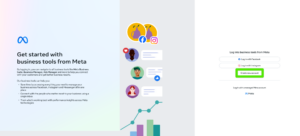
Source: The Meta Ads panel
- Log in to your personal Facebook account if you aren’t already logged in.
- Fill out the registration form, providing:
- company name,
- your first and last name,
- business email address.
- Click “Next” and provide information about your company, such as:
- address,
- city,
- postal code,
- country,
- phone number
- Click “Submit” to complete the account creation process.
Sharing access to your Business Manager with an advertising agency
After creating an ad manager account, you can share your assets, such as your ad account or Facebook page, with an advertising agency so they can manage your campaigns.
- Log in to your Meta Business Suite,
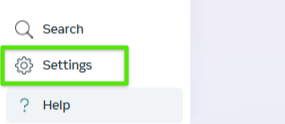
- Select “Settings” by clicking the gear icon in the bottom left corner:
Source: The Meta Ads panel
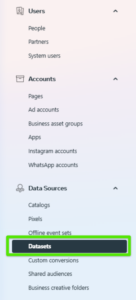
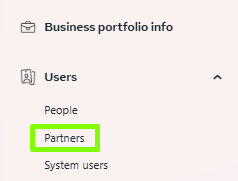
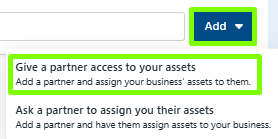
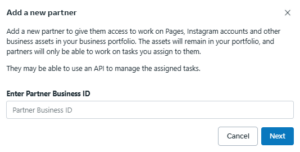
- In the left-hand menu, in the “Users” section, select “Partners,” and then on the right-hand side, click “Add” and select “Give a partner access to business assets.”
- Enter the partner ID (the agency/freelancer’s business portfolio ID number), which you should receive from the agency.
Source: The Meta Ads panel
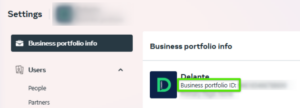
P.S. If you’re wondering where to find the business portfolio ID number you received from the agency/freelancer, it should be here:
Source: The Meta Ads panel
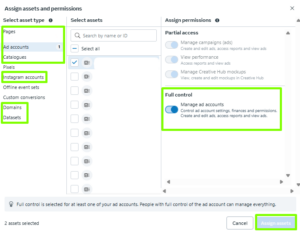
- Click “Next,” and then select the assets you want to share with the agency, such as:
- pages,
- ad accounts,
- pixels (data sets),
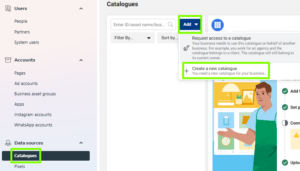
- product catalogs.
- Grant the appropriate permissions for each asset, usually at the full control level, so that the person can fully manage your campaigns,
- Click “Save changes” to complete the process.
After completing these steps, the advertising agency (or freelancer) will have access to the assets you have indicated and will be able to effectively manage your Meta Ads advertising campaigns.
Remember that you can always manage access and permissions in your Business Manager settings by adding or removing partners and modifying their permissions.