d-tags


 (3 votes, average: 4.33 out of 5)
 Loading...
Google Search Hacks - 10 useful tricks
1. A wanted definition
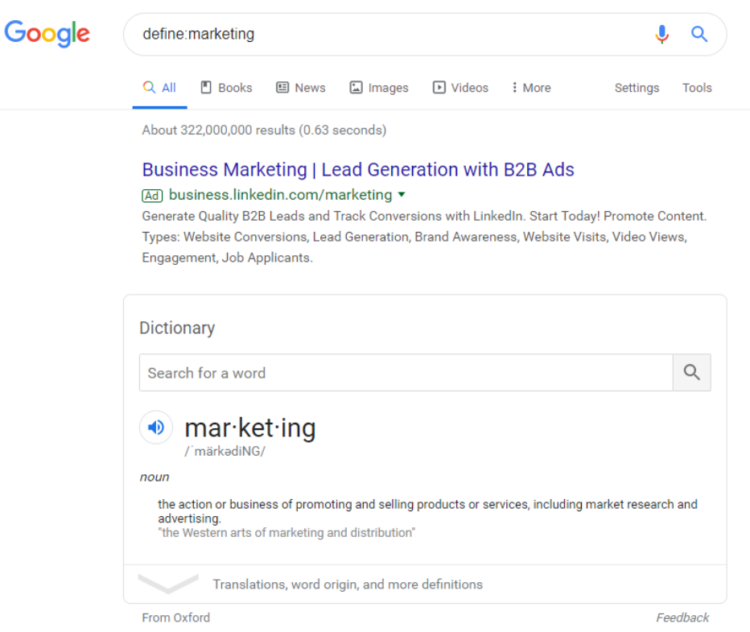
If you want to quickly access a definition of a given word, type the "define:(word)" phrase. Consequently, you won’t have to search for the SERPs to find the necessary definition. 2. The word you don’t remember
How many times have you searched for a movie whose title you barely remembered and you knew you were missing a part of the whole phrase? We have a google search hack to fix that problem! Add an "*" in the place of a phrase you don't remember and Google will do the rest for you.
 2. The word you don’t remember
3. If you aren’t sure what you’re looking for…
… then the word “OR” comes in handy. If you aren’t quite sure what you want and what search result will be the most appropriate, it’s worth to place "OR" between two phrases. Google will display answers to both search queries and that should dispel any of your doubts.

4. An unwanted website
This Google life hack proves to be handy when you don't want a particular page to be displayed in your search results, just type the search query and then add "-site:(unwanted page)".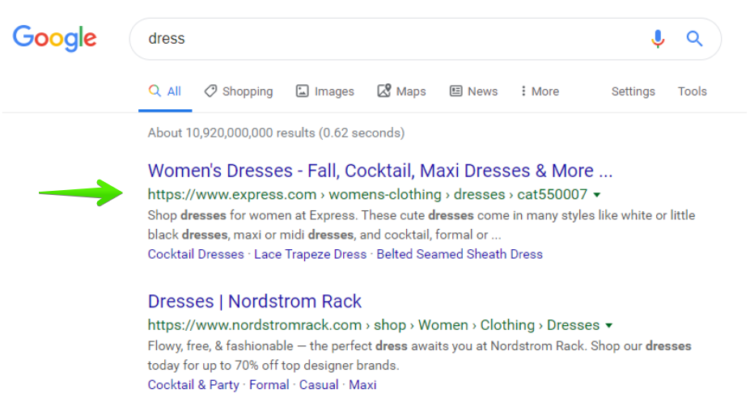 As a result Google won’t consider this particular website as valuable to you and it won’t show it in the search results.
 5. A PDF file
When you search on Google, sometimes it’s not enough to include the “PDF” phrase in your search query to ensure that you’ll get answers and files only in this format. So what to do to narrow down your search results to PDF files? Just type "filetype:pdf (phrase)".
 5. A PDF file
 6. Time frames
This Google search hack can be particularly useful while doing research, statistics or various analyses. If you want to narrow down your search results to a specific time frame or you aren’t sure from which year the information you’re looking for comes from, then there is a trick that can significantly facilitate your task. All you need to do is to enter two dates with three dots between them ("..."). Voilà!
 6. Time frames

7. Specific phrases in:
The title
If you want your search results to contain only those websites with a specific phrase in their titles, just type ":intitle:(phrase)” in Google.

The URL address
Just as in the case of the example above, if you want the phrase to be included in the URL address, type "inurl:(phrase)" in the search engine.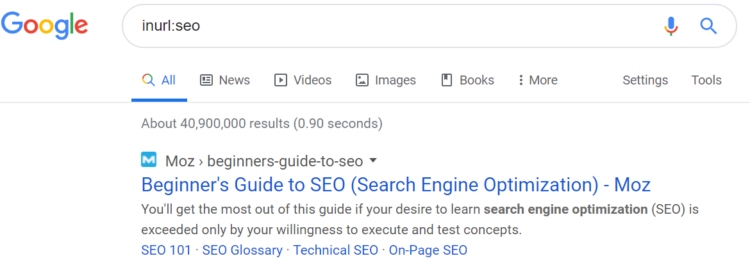

8. Negative keywords and phrases
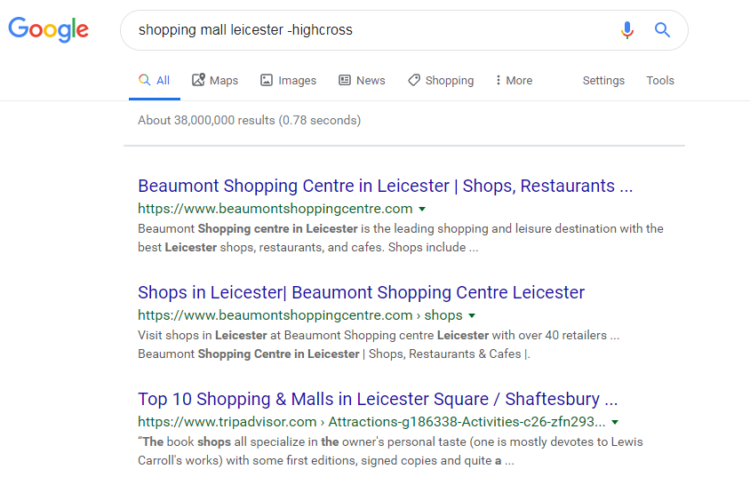
What if you need to exclude a specific word or phrase? So for example you’re searching for a shopping mall in a given city, however, you remember that one particular shopping mall there didn’t appeal to your taste. So how to exclude it from your search results? See the screenshots below: Just insert "-" before the negative phrase. Then, Google will automatically and immediately adjust the search results to your needs and preferences.
9. Content on a given website
If you want to get search results concerning a particular topic and coming from a particular website, use "(phrase) site:(page address)". As simple as that.
 10. Synonyms
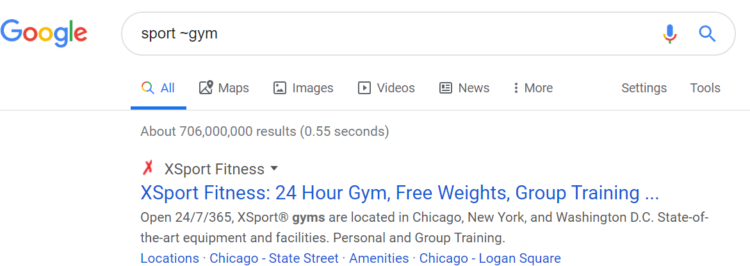
And last but not least - synonyms. But what does it actually mean? Well, if you’re interested in everything concerning a given concept and not only one particular keyword, using a tilde (~) in Google gives you the possibility to find synonyms and similar words. In real life, it means that the search engine provides you with search results containing not only a particular phrase but also general information on a given topic. See the example below:
 10. Synonyms